I’ve been re-editing my work and realize my prevalence for filter language making my narrative stodgy. Here’s how I’ve been cleaning up my writing:
WHAT ARE FILTER WORDS?
Filter words are verbs or phrases that insert the narrator between the reader and the character’s direct experience. They “filter” the moment through the character’s awareness instead of letting the reader feel it firsthand.
Filter words create distance between the reader and the scene; they remind the reader that the POV character is standing between them and the story. For example, compare:
• She heard footsteps behind her.
vs.
• Footsteps scraped across the pavement behind her.
The second version drops the filter and puts the reader inside the moment.
Common filter words
Filter words usually describe the act of perceiving rather than perception itself. Some common examples are:
• saw / looked / noticed
• heard / listened
• felt / realized / thought
• wondered / decided
• remembered / knew
HOW TO REDUCE FILTER WORDS
Finding and editing out filter words and phrases is tedious. Most free tools will not identify their use. AI tools can help, but even they can miss these items. Also, it’s not enough to just remove or replace them. Depending on the narrative voice, re-writing sections may be required. A key is avoiding them in the first place. This is fine advice when drafting and writing initially, but not helpful during re-writing and editing, which is the case I’m facing.
MY TOOLS
To help my own editing process, I’ve developed a simple tool to scan for common writing issues within the text of a document. Currently, I can find filter words in a document, assess dialog tag usage, check for passive voice, run a word frequency analysis to look for over-use of words in a chapter or scene, and evaluate the word density of a file.
What it looks like
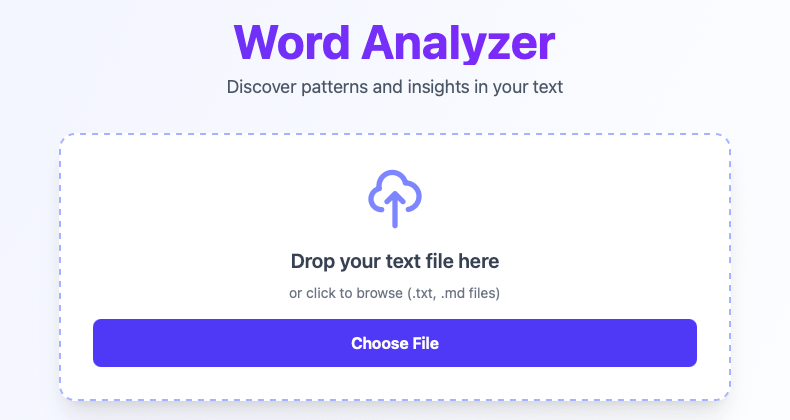
The main UI is straight forward, upload or drop a text file on the service and the analysis runs:
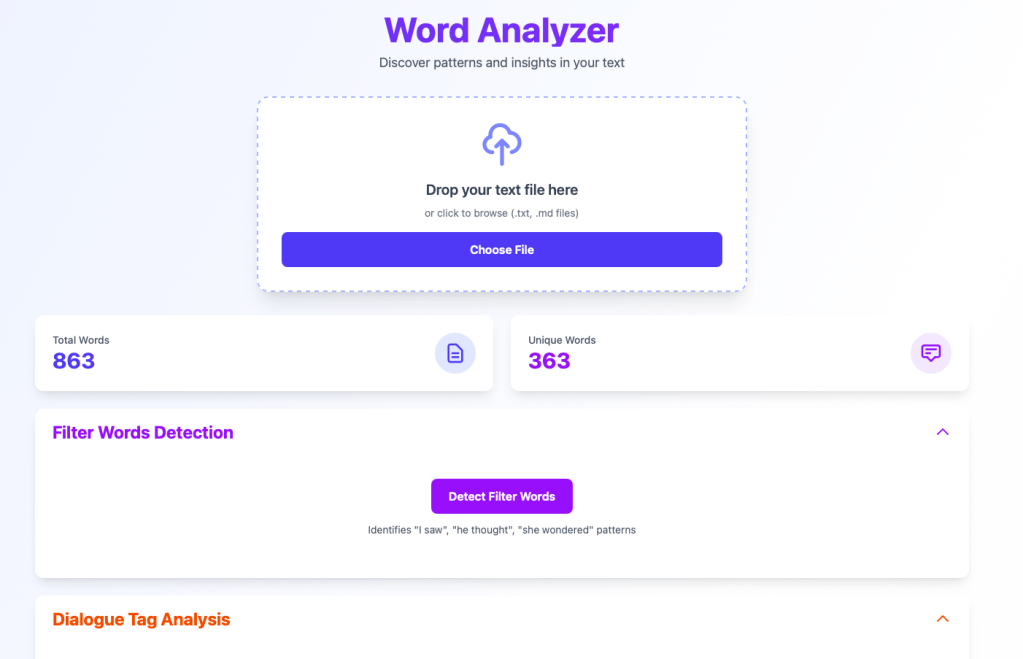
In this example, a single scene from Another Past: Book Two, there are 863 total words, but only 363 unique words. The frequency analysis tools will help me see if I’m overusing any specific words, but let’s look at filter words first:

Ten file words detected, but none of them are being repeated consistently, which is good.
Clicking on a word/phrase will show how it is used in context within the document:
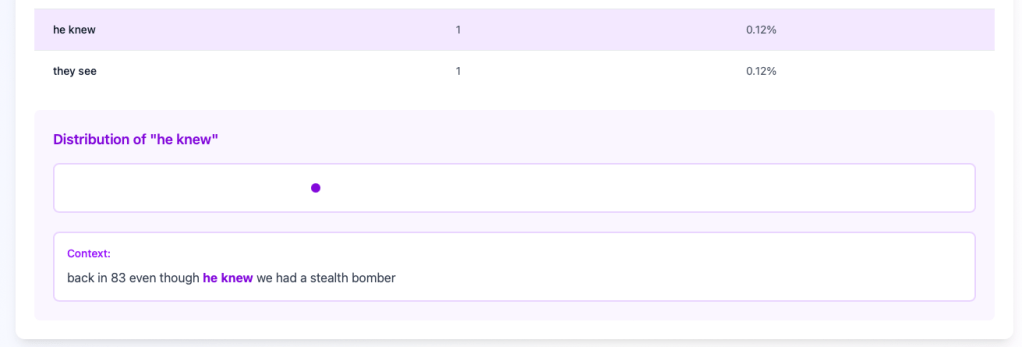
The context window makes it simple for me to find the text in the original document and make changes desired. I can then re-run the file after all my editing is complete.
Dialog Tags:
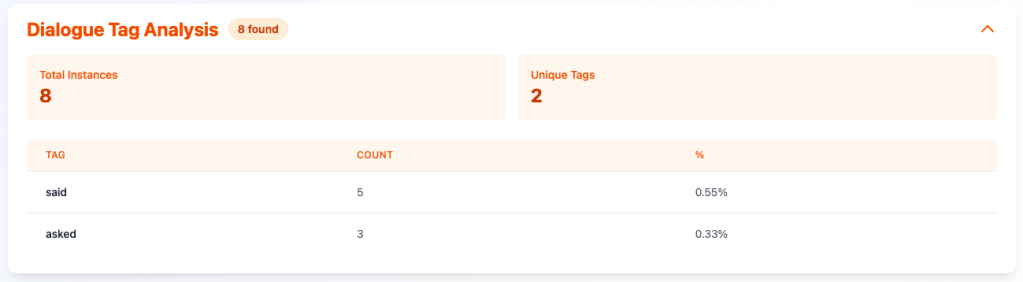
I can quickly see if I’m over-using “said” or similar dialog tags, which I am in this example. The same patter of clicking on the tag will reveal the distribution within the document, and clicking on the instance on the timeline will show the context of the usage:

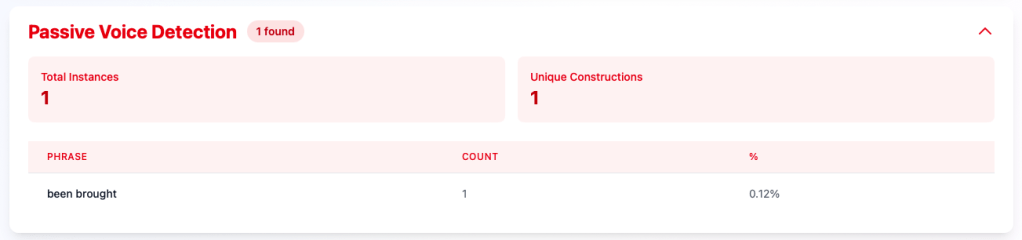
Passive Voice Detection:
Word Frequency
This was the first feature I built in the tool. It gives me the ability to see distribution of words in the file and filter out common words or words that only appear once. Using the “Min Gap” filter lets me search for repeated words that occur in close proximity to one another so I can change the word as appropriate for the narrative.
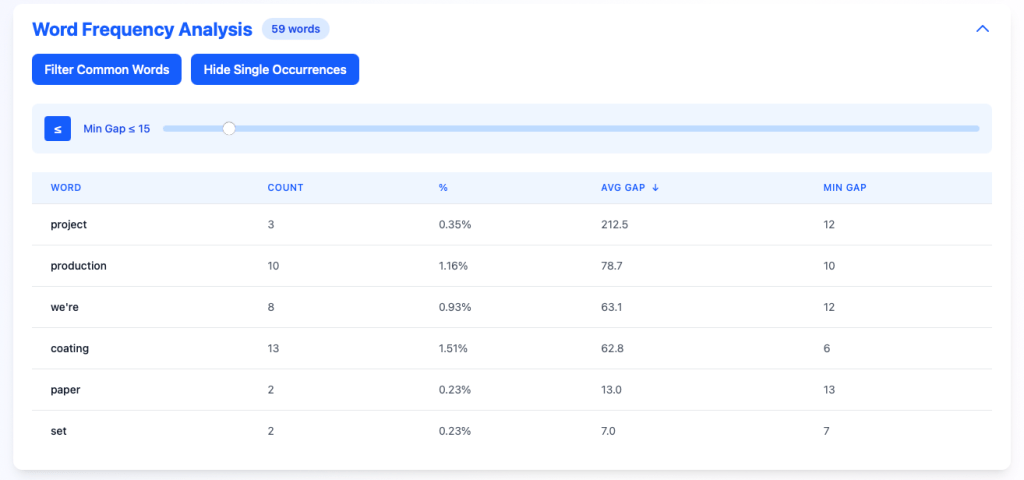
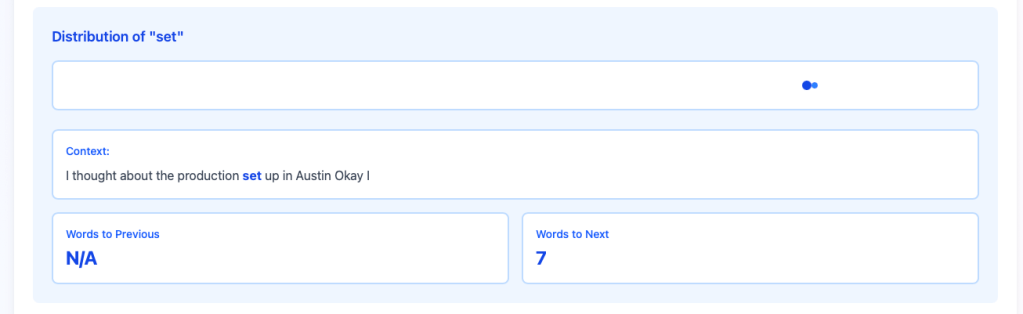
In this example, by setting the min gap to 15 words or less, and looking at the word “set”, I can see it’s used twice in close proximity. Clicking on the dot in the distribution view, I can see the context of the word within the document:
N-gram analysis
In addition to individual words being over-used, I can also look at 2-, 3-, and 4-word phrases to make sure I am varying words and phrases in the narrative:
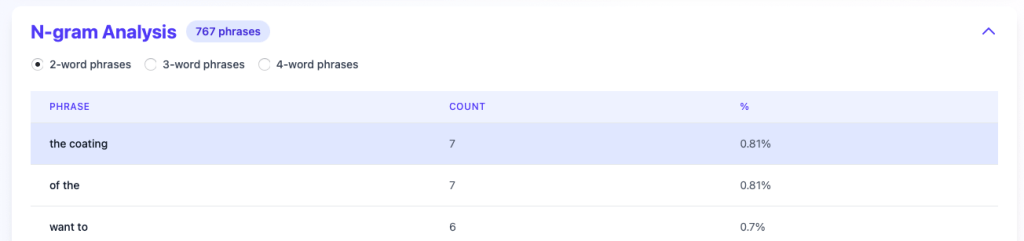
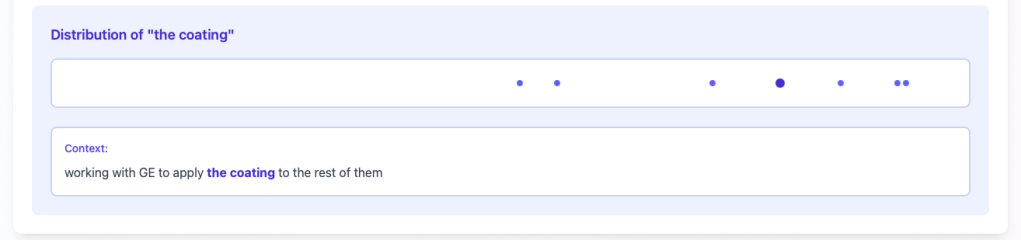
The pattern repeats, and clicking on the phrase will show the distribution of usage and let me drill into the context:
CAN YOU USE THIS TOOL?
Currently, I’m running this locally on my laptop, still adding features. If you are interested in an online version, subscribe and leave a comment. If there is enough interest, I’ll host a versions online and share the link with subscribers.
 Charlie Forêt
Leave a comment